


ArenaPlus safe payment guide Key Takeaways
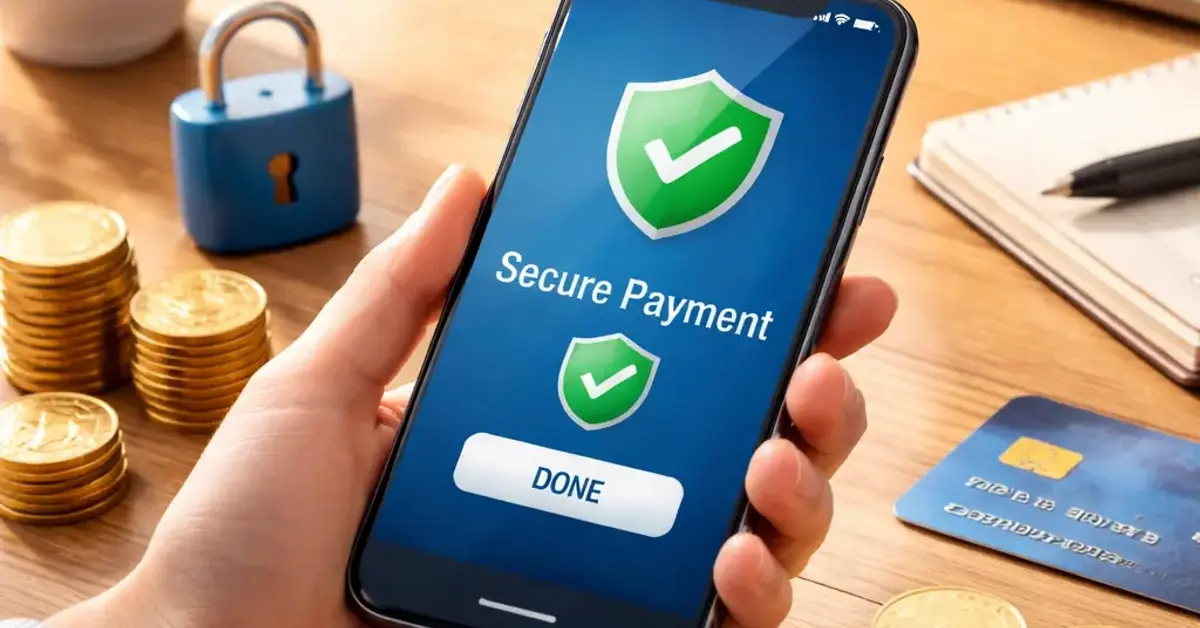
Once your account is verified and you have chosen your preferred payment method, follow these steps to make a secure payment ArenaPlus can process without issues.
What the ArenaPlus Safe Payment Guide Covers
Making your first payment on a new platform can feel risky. This ArenaPlus safe payment guide explains exactly how to protect your personal and financial data every time you transact. You will learn how to verify your account, choose the right payment method, and follow best practices for secure deposits and withdrawals. Whether you use GCash, PayMaya, credit cards, or online banking, this guide ensures you understand the safety steps before you send a single peso. For a related guide, see ArenaPlus GCash Deposit Guide PH 2026: Avoid These 3 Mistakes.
Step 1: Verify Your ArenaPlus Account for Secure Payments
Before you deposit any money, make sure your ArenaPlus account is fully verified. This step is the foundation of every ArenaPlus safe payment method because it prevents unauthorized access and meets regulatory requirements.
How to Verify Your Account
- Log into your ArenaPlus account and go to the Profile or Settings section.
- Upload a clear photo of a government-issued ID (passport, driver’s license, or UMID).
- Enter your full name, date of birth, and current address exactly as they appear on your ID.
- Wait for the verification email or SMS confirmation — usually within 24 hours.
Pro tip: Do not attempt to use someone else’s ID. ArenaPlus runs identity checks that can flag mismatches, freezing your account until you provide correct documents.
Step 2: Choose a Secure Payment Method
Not all payment methods offer the same level of protection. This ArenaPlus payment guide recommends sticking with options that ArenaPlus explicitly supports and that your bank or e-wallet provider backs with fraud protection.
| Payment Method | Security Features | Best For |
|---|---|---|
| GCash | Two-factor authentication, transaction PIN, real-time alerts | Quick mobile deposits and withdrawals |
| PayMaya | Virtual card, OTP verification, purchase protection | Online payments without sharing bank details |
| Credit/Debit Card | PCI DSS encryption, zero-liability policies | Larger deposits with bank fraud monitoring |
| Bank Transfer | Encrypted banking, transaction reference numbers | Direct deposits from a linked bank account |
Always enable any additional security features your payment method offers. For example, on GCash, set a transaction PIN above 1,000 PHP. On PayMaya, lock your virtual card when not in use.
Step 3: Make a Secure Deposit on ArenaPlus
Once your account is verified and you have chosen your preferred payment method, follow these steps to make a secure payment ArenaPlus can process without issues. For a related guide, see ArenaPlus Withdrawal Time Guide.
- Go to the Cashier or Deposit section inside your ArenaPlus account.
- Select your payment method from the list (GCash, PayMaya, card, or bank).
- Enter the amount you wish to deposit. Stick to the minimum deposit first to test the process.
- Confirm the transaction on your mobile app or banking portal. Do not close the page until you see a success message.
- Check your ArenaPlus wallet balance — funds should appear within 1–5 minutes.
Red flag to avoid: Never share your one-time password (OTP) or MPIN with anyone claiming to be ArenaPlus support. Legitimate support will never ask for these codes.
Step 4: Withdraw Your Winnings Safely
Withdrawing money should feel as smooth as depositing. Follow these ArenaPlus beginner payment tips to ensure your funds land in your account without delays.
Withdrawal Best Practices
- Use the same payment method you used for deposit to speed up verification.
- Check the minimum and maximum withdrawal limits for your chosen method.
- Keep your ArenaPlus account active (log in at least once a week) to avoid dormant account holds.
- Double-check your account details — entering the wrong e-wallet number or bank account can cause lengthy delays.
If your withdrawal takes longer than 24 hours, contact ArenaPlus support and have your transaction reference number ready.
Step 5: Stay Alert – Safety Tips Beyond the Transaction
Even after you have mastered the ArenaPlus safe payment guide, remaining vigilant protects you from evolving threats.
| Situation | Safe Action | Unsafe Action |
|---|---|---|
| Unsolicited call about your account | Hang up and call official ArenaPlus support | Provide personal details over the phone |
| Email asking you to click a payment link | Type ArenaPlus URL manually in your browser | Click the link without checking the sender |
| Friend asks you to deposit to their wallet | Refuse and report the request to support | Proceed thinking it helps a friend |
| Device gets lost or stolen | Log out of ArenaPlus remotely via web settings | Leave your account logged in |
Useful Resources
For official security guidelines and up-to-date payment method info, refer to these trusted sources:
- GCash Security Center – Learn how GCash protects your account with PINs and biometric locks.
- PayMaya Security and Privacy Help – Official documentation on secure account practices and fraud prevention.
Frequently Asked Questions About ArenaPlus safe payment guide
What is the ArenaPlus safe payment guide?
It is a step-by-step guide that helps beginners make secure deposits and withdrawals on ArenaPlus, covering account verification, payment method selection, and safety precautions.
Do I need to verify my ArenaPlus account before depositing?
Yes, account verification is mandatory. It ensures that only you can access your funds and helps ArenaPlus comply with financial regulations.
Which payment methods are safest on ArenaPlus?
GCash, PayMaya, credit cards, and bank transfers are all secure when you enable two-factor authentication and transaction PINs. Avoid sending money through unlisted methods.
How long does a deposit take to reflect in my ArenaPlus wallet?
Most deposits are instant or appear within 1–5 minutes. If you do not see the funds after 10 minutes, contact support with your transaction reference.
Can I withdraw using a different method than my deposit?
Yes, but using the same method speeds up the verification process. If you switch methods, you may be asked for additional documentation.
What should I do if my withdrawal is delayed?
Check that your account details are correct, then contact ArenaPlus support. Have your transaction ID handy so they can investigate quickly.
Is it safe to save my card details on ArenaPlus?
ArenaPlus uses encryption to store card information. However, for extra safety, avoid saving cards on shared or public devices.
Does ArenaPlus charge fees for deposits?
ArenaPlus itself does not charge deposit fees, but your payment provider (e.g., GCash or your bank) may apply small transaction charges. Check their fee schedules. For a related guide, see ArenaPlus Payment Methods Philippines 2026: Safety Guide.
What happens if I enter the wrong e-wallet number for a withdrawal?
The transaction may fail and be reversed, or it may go to the wrong person. Always double-check numbers before confirming. Contact support immediately if you notice an error.
Can I cancel a deposit after it is sent?
Deposits are usually irreversible once processed. If you made a mistake, contact ArenaPlus support within a few minutes — they may be able to cancel it before completion.
How do I enable two-factor authentication on ArenaPlus?
Go to your account security settings and look for the 2FA option. You can use an authenticator app like Google Authenticator or receive codes via SMS.
What should I do if I receive a suspicious email about my ArenaPlus payment?
Do not click any links. Forward the email to ArenaPlus support and then delete it. ArenaPlus will never ask for your password or OTP via email.
Are there daily limits on deposits or withdrawals?
Yes, limits vary by payment method and your account verification level. Check the Cashier page on ArenaPlus for your specific limits.
Can I use a credit card with a different name on my ArenaPlus account?
No, the name on your payment method must match your ArenaPlus account name. Mismatches can cause transaction failures and account reviews.
How do I know my connection to ArenaPlus is secure?
Look for the padlock icon in your browser address bar and ensure the URL begins with “https://”. Avoid using public Wi-Fi when making payments.
What is the minimum deposit amount on ArenaPlus?
The minimum deposit is typically 100 PHP for e-wallets and 200 PHP for bank transfers. Check the deposit page for the most current amounts.
Can I use ArenaPlus on multiple devices without losing security?
Yes, but log out from devices you do not own. Use a strong password and avoid enabling auto-login on shared phones or computers.
Does ArenaPlus store my full bank account number?
No, ArenaPlus stores only a masked version or token for verification. Your full banking details remain with your bank or payment provider.
How often should I change my ArenaPlus password?
It is best practice to update your password every 60 to 90 days. Use a unique password that you do not reuse on other sites.
Where can I find the latest ArenaPlus payment guide updates?
Visit the official ArenaPlus website and go to the Help or FAQ section. ArenaPlus also posts updates through its verified social media channels.