


Arenaplus verification Key Takeaways
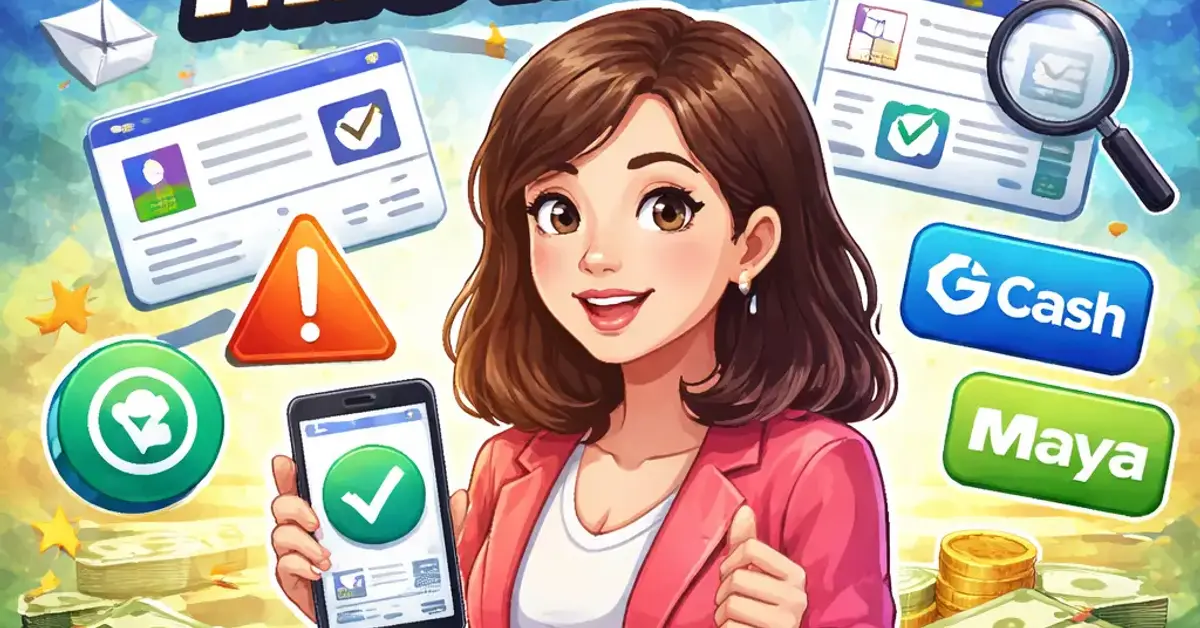
Completing your arenaplus verification is the most important step to unlock full account features, including smooth withdrawals via GCash and Maya.
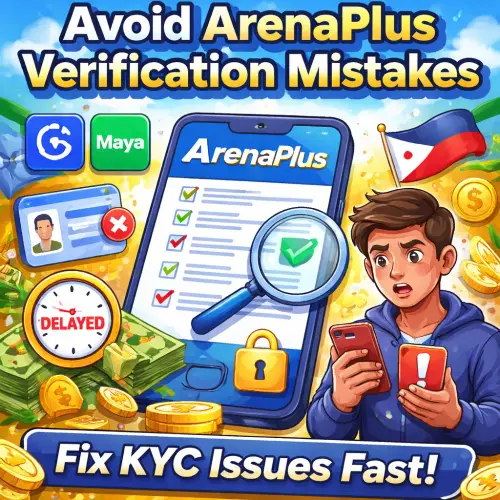
Why arenaplus verification Matters for Filipino Players
Online gaming platforms in the Philippines follow PAGCOR regulations that require all players to verify their identity before processing withdrawals. arenaplus verification is the platform’s Know Your Customer (KYC) process designed to protect your account and comply with local laws. Without completing this step, you cannot withdraw funds, claim bonuses, or enjoy full access to sports betting and casino games. For a related guide, see 10 Easy Steps to Start Playing on ArenaPlus (Login, App and Setup Guide PH 2026).
Many new users rush through the process and end up stuck with a restricted account. By understanding the common pitfalls, you can complete your arenaplus account setup in minutes and start playing without delays. You can also browse more posts in guides.
Mistake #1: Uploading an Unclear or Expired ID
The first and most frequent error is submitting a low-quality image of your government-issued ID. The system needs to read your full name, photo, and expiration date clearly.
How to fix it: Use a well-lit area and place your ID on a flat, dark surface. Avoid glare from lights or windows. Take the photo with your phone’s rear camera and ensure the text is sharp. Acceptable IDs include your Philippine passport, driver’s license, UMID, or PRC ID. Make sure the ID has not expired.
Quick Tip: Accepted ID Formats
| ID Type | Format Accepted | Validity Check |
|---|---|---|
| Philippine Passport | JPEG or PNG | Must not be expired |
| Driver’s License (LTO) | JPEG or PNG | Must not be expired |
| UMID / e-UMID | JPEG or PNG | Valid indefinitely |
| PRC ID | JPEG or PNG | Must not be expired |
Mistake #2: Ignoring the Selfie Verification Step
After uploading your ID, arenaplus verification requires a real-time selfie to match your face with the photo on your ID. Many players skip this step or take a selfie with poor lighting, making the match fail.
How to fix it: Allow camera permissions when prompted by your browser or the ArenaPlus app. Stand in a well-lit room facing a light source. Remove sunglasses, masks, or any headwear. Keep your face centered and follow the on-screen instructions to blink or turn your head slightly. This step usually takes less than 30 seconds.
Mistake #3: Entering Personal Details That Don’t Match Your ID
The system cross-checks the name, birthdate, and address you entered during registration against the information on your uploaded ID. Even a small typo in your middle name or birth year will cause rejection.
How to fix it: Type your full legal name exactly as it appears on your ID. Double-check your birthdate, especially if you use a nickname or second name casually. If your ID shows “Juan M. Dela Cruz,” do not enter “Juan Dela Cruz” alone. Match every character, including middle initials and suffixes like Jr. or II.
Mistake #4: Attempting Verification on an Unstable Internet Connection
The selfie matching and document upload process requires a stable connection. A weak signal can cause the upload to time out or the live photo capture to fail.
How to fix it: Switch to a stable Wi-Fi connection or ensure you have full bars on your mobile data (4G or 5G preferred). If you are using prepaid data, check that you have enough load to sustain a few minutes of upload. Avoid moving between rooms or areas with spotty coverage during the process.
Mistake #5: Not Checking Your arenaplus verification Status After Submission
After submitting your documents, some players assume the process is complete and do not check for updates. If the system needs additional information, you may not receive an immediate notification.
How to fix it: Log into your account 24 hours after submission and navigate to the verification section. Look for a green checkmark or a status message that says “Verified.” If you see “Pending” or “Action Required,” read the reason provided and resubmit the corrected document. You can also contact customer support through the help center for real-time updates.
Step-by-Step arenaplus verification Checklist
Follow these steps to complete your verification successfully on the first try:
- Prepare a clear, non-expired government ID.
- Find a well-lit area with a plain background.
- Open the ArenaPlus app or website and go to Account > Verification.
- Upload your ID: ensure the entire card is visible and text is readable.
- Proceed to selfie capture: grant camera permission and follow prompts.
- Double-check your name and birthdate match your ID exactly.
- Submit and wait for confirmation (usually within 24 hours).
- Check your status and repeat if needed.
What Happens After You Pass arenaplus verification?
Once your KYC is approved, your account is fully unlocked. You can now:
- Withdraw winnings to GCash, Maya, or your bank account.
- Claim welcome bonuses and promotional offers.
- Place bets on sports betting Philippines markets and live casino games.
- Deposit using GCash or Maya with no restrictions.
If you still encounter issues, visit the ArenaPlus Help Center for troubleshooting guides or contact support directly.
Responsible Gaming Reminder
Gaming ay para lamang sa 21 taong gulang pataas. Keep it fun. Game responsibly. Always set a budget, avoid chasing losses, and take breaks. If you feel that gaming is affecting your daily life, seek help through PAGCOR’s responsible gaming resources. Remember, online gaming involves financial risk and no outcome is guaranteed.
Useful Resources
Learn more about responsible gaming and KYC requirements from these official sources:
- PAGCOR Official Website – Philippine gaming regulatory authority.
- PAGCOR Responsible Gaming Program – Guidelines and support for safe gaming.
Frequently Asked Questions About arenaplus verification
How long does arenaplus verification take?
It usually takes 24 hours, but some cases are resolved within a few hours.
What IDs are accepted for arenaplus kyc guide ?
Philippine passport, driver’s license, UMID, PRC ID, and other government-issued IDs.
Can I use a digital copy of my ID?
No, only a clear photo of the physical ID is accepted. Digital copies are not allowed.
What should I do if my verification fails?
Check the rejection reason, correct the issue (usually blurry ID or mismatched name), and resubmit.
Do I need to verify my account to deposit using GCash?
No, you can deposit immediately with GCash, but verification is required before any withdrawal.
Is arenaplus verification required for sports betting?
Yes, all users must complete KYC before placing bets on sports or casino games to comply with PAGCOR rules.
Can I withdraw to Maya without verification?
No, withdrawal is blocked until your account is fully verified.
What happens if my ID expires during the process?
You must submit a valid, unexpired ID. Expired documents will be rejected.
Does ArenaPlus use facial recognition for KYC?
Yes, after uploading your ID, a live selfie is matched against your ID photo using facial recognition.
Can I use my postal ID for verification?
Yes, the Philippine Postal ID is accepted if it is still valid and the photo is clear.
Is my personal data safe during verification?
Yes, ArenaPlus uses encryption and follows data privacy laws under the Philippines’ Data Privacy Act.
Why does my selfie keep failing?
Ensure your face is evenly lit, remove glasses or masks, and hold your phone steady at eye level.
Does the system accept a company ID?
No, only government-issued IDs are accepted for KYC verification.
Can I re-upload a better photo if my first try fails?
Yes, you can resubmit a new photo as many times as needed until verification passes.
Is verification free?
Yes, completing your KYC verification has no fee.
Can I verify using the ArenaPlus app on iOS?
Yes, the verification process works on both iOS and Android apps as well as the mobile website.
What does status “Pending” mean?
Your documents are under review. Check back after 24 hours for the result.
Do I need to verify again after changing my password?
No, once verified, your account status remains verified even after password changes.
Can I use a student ID?
No, student IDs are not accepted. Only government-issued IDs are valid.
If I fail verification repeatedly, can I still play?
You can deposit and play games, but you cannot withdraw until verification is passed.